Console & VR Accessories
Products · Console & VR Accessories
7 active deals
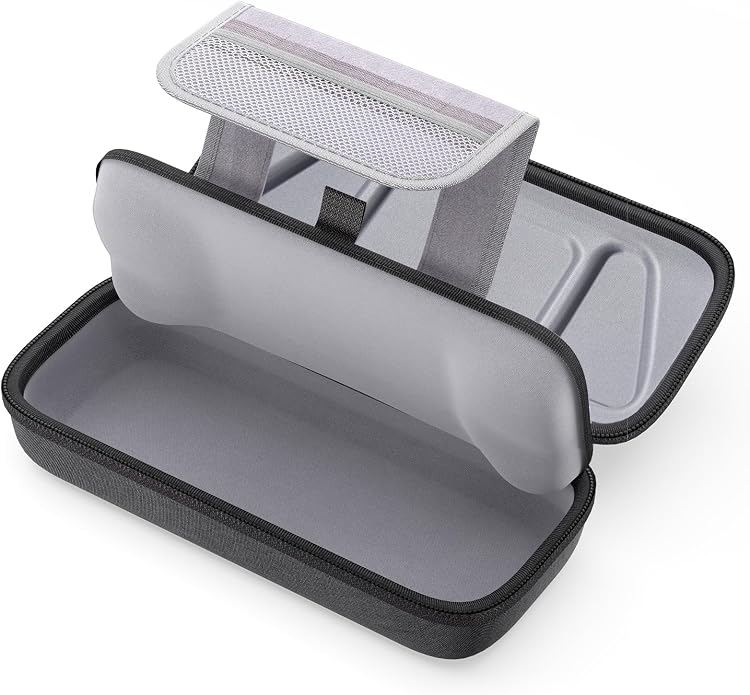
JSAUX Hard Shell Carrying Case for Steam Deck and ROG Ally
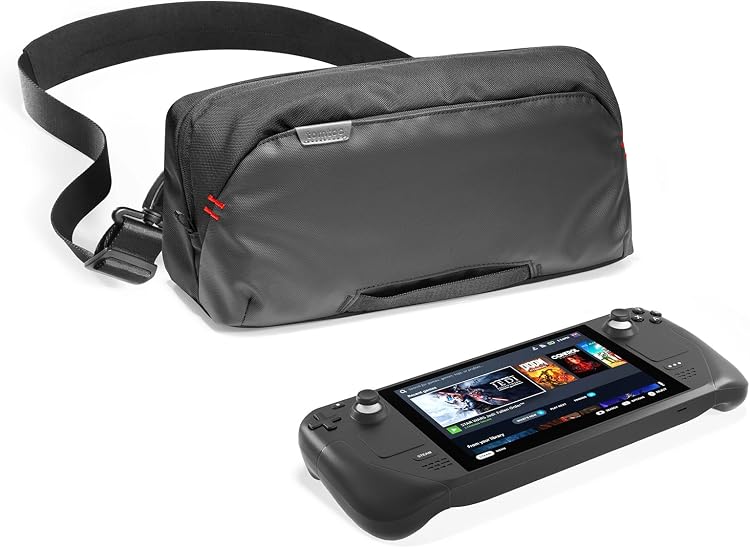
tomtoc A0537D1 Carrying Bag for Handheld Consoles
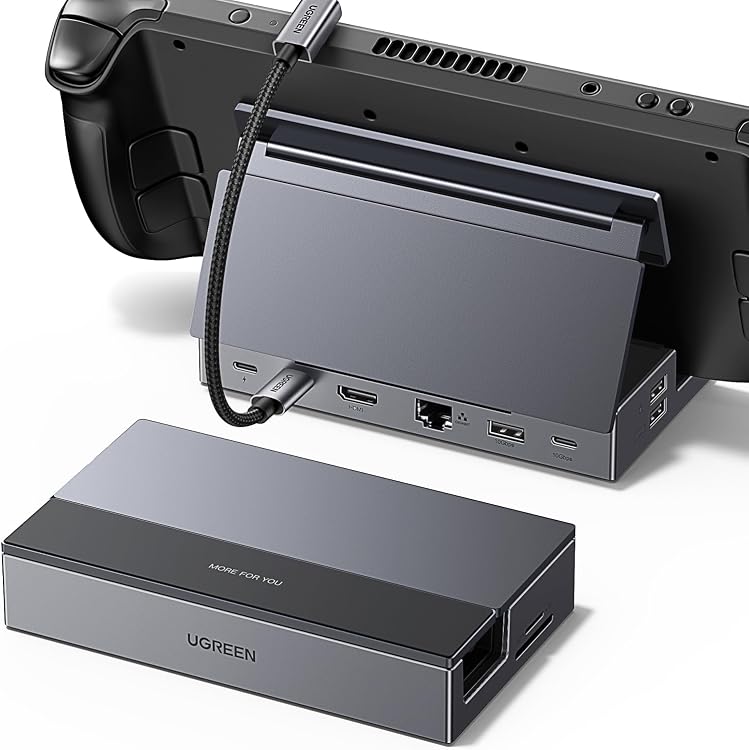
UGREEN 25869 Steam Deck Dock, 9-in-1 USB-C Docking Station
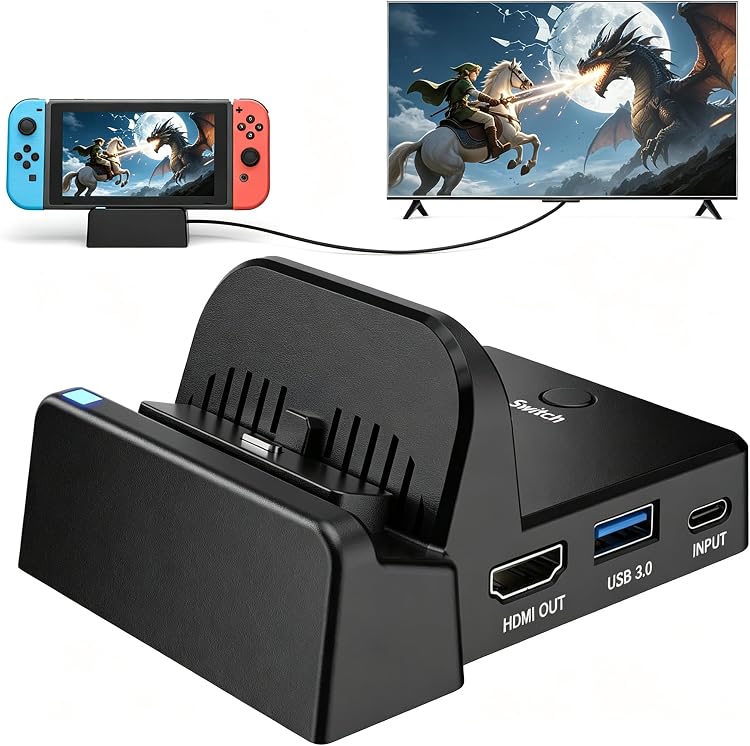
VIXLW U800 Nintendo Switch TV Docking Station
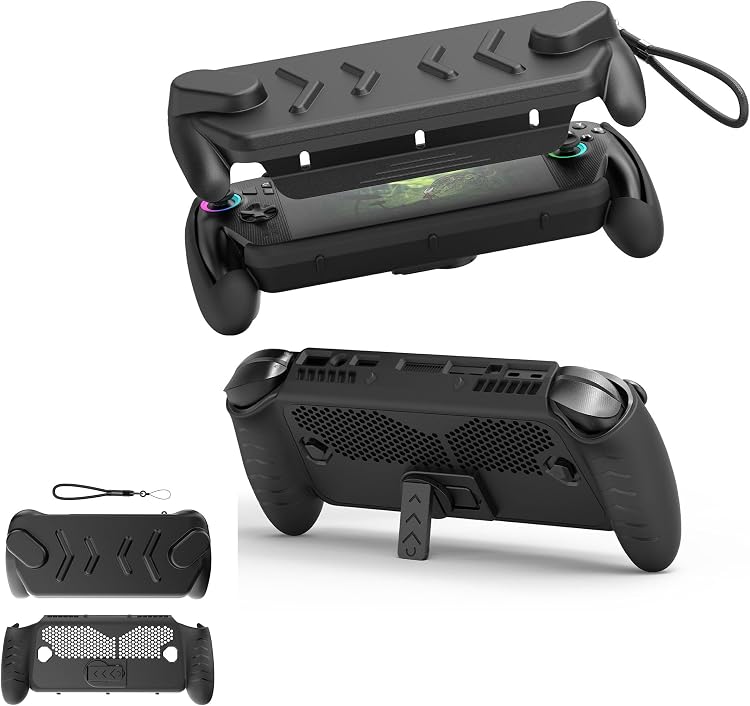
Lokyoyo Protective Case for ROG Xbox Ally and Ally X with Screen Cover
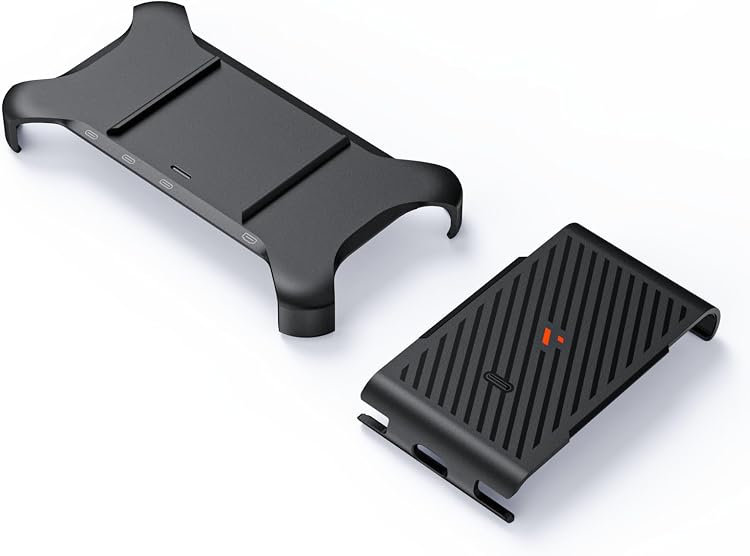
VITURE Dock Mount for Original Nintendo Switch
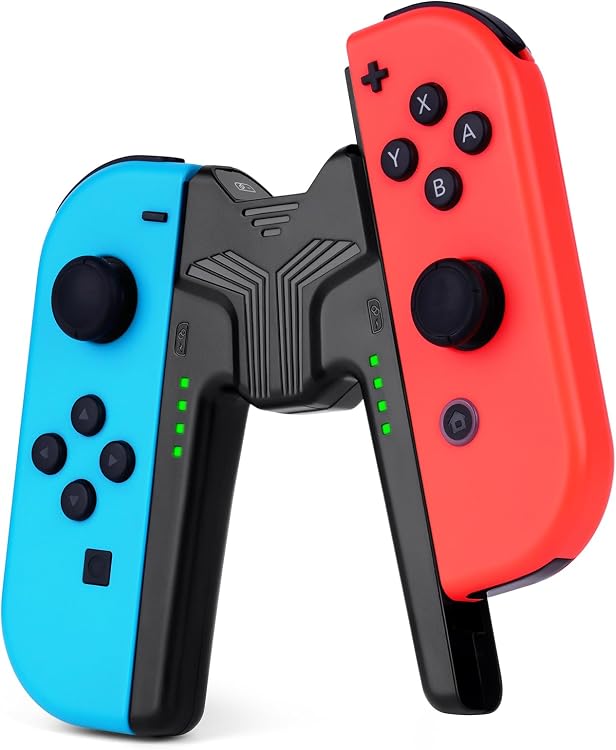
OFFCUP Joy-Con Charging Grip for Nintendo Switch and OLED
New in Console & VR Accessories
Recently added or updated deals.
JSAUX Hard Shell Carrying Case for Steam Deck and ROG Ally
tomtoc A0537D1 Carrying Bag for Handheld Consoles
UGREEN 25869 Steam Deck Dock, 9-in-1 USB-C Docking Station
VIXLW U800 Nintendo Switch TV Docking Station
Lokyoyo Protective Case for ROG Xbox Ally and Ally X with Screen Cover
VITURE Dock Mount for Original Nintendo Switch
OFFCUP Joy-Con Charging Grip for Nintendo Switch and OLED
Console accessories: cases, stands and chargers with a clear purpose
A case, stand or charger changes how you store, position or prepare your console. Start with the exact model and the task because an accessory that appears to fit can still obstruct connections, ventilation or other accessories you already use.
Transport cases and fitted covers do different jobs
A rigid case organises transport; a fitted cover may remain on during use if designed for that purpose. Check which product is offered. For handhelds, examine stick protection, pressure on the screen and separate cable space. The console should neither move freely nor be squeezed by the contents. If a cover is already fitted, confirm that it fits inside the case. Splash resistance does not mean submersion protection or guaranteed protection against every impact.
Stands must respect approved positioning
Check which orientation the console manufacturer allows and whether the stand matches that chassis revision. Stability depends on its base, contact points and placement, not just a quoted weight rating. Check access to buttons, disc drive and ports as well as air inlets and outlets. A station holding the console and accessories may take more room than expected once all cables are connected. Do not credit a stand with better cooling without specific evidence.
Identify exactly what receives power
Some chargers power the console; others charge batteries or compatible controllers. The ecosystem name alone is insufficient. Review voltage, power and documented compatibility, plus the supplied adapter and cable. The right connector shape does not prove that it meets the device's requirements. For contact-charging docks, check required battery components and charging position. A handheld dock may only charge or may also offer video and ports: these functions should be stated separately.
Daily use shows what deserves a place
Walk through taking out the console, connecting it and putting it away before buying. An accessory that requires removing a cover each time or blocks the usual cable may add work. Check approved cleaning methods and replacement of contact parts. Do not charge inside a closed case unless the instructions explicitly permit it. This category excludes controllers and headphones: assess each item for transport, positioning or charging rather than treating it as a general improvement to playing.