Computer Accessories
Explore Computer Accessories by subcategory and find the deals you are looking for.
Subcategories
Products · Computer Accessories
28 active deals
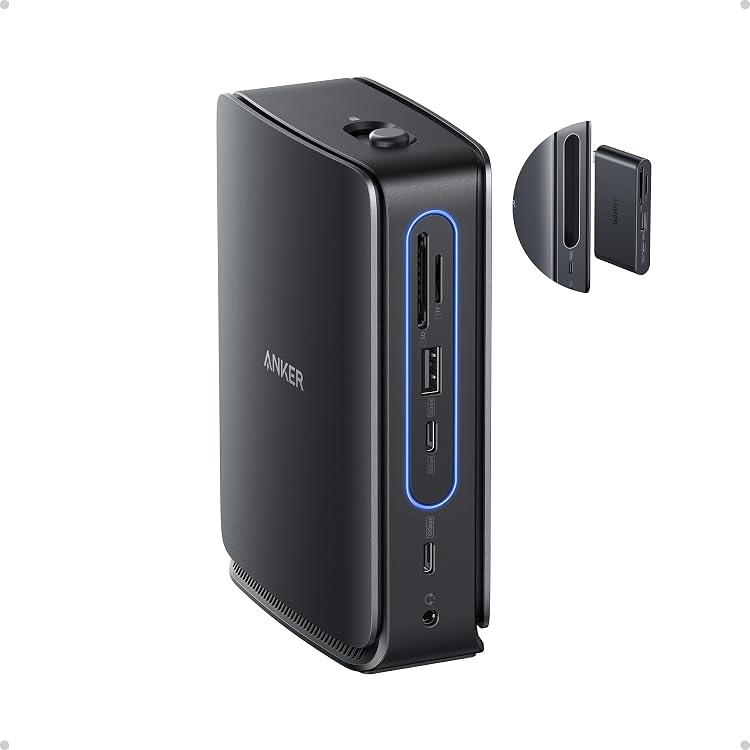
Anker Nano A83C3 13-in-1 Laptop Docking Station
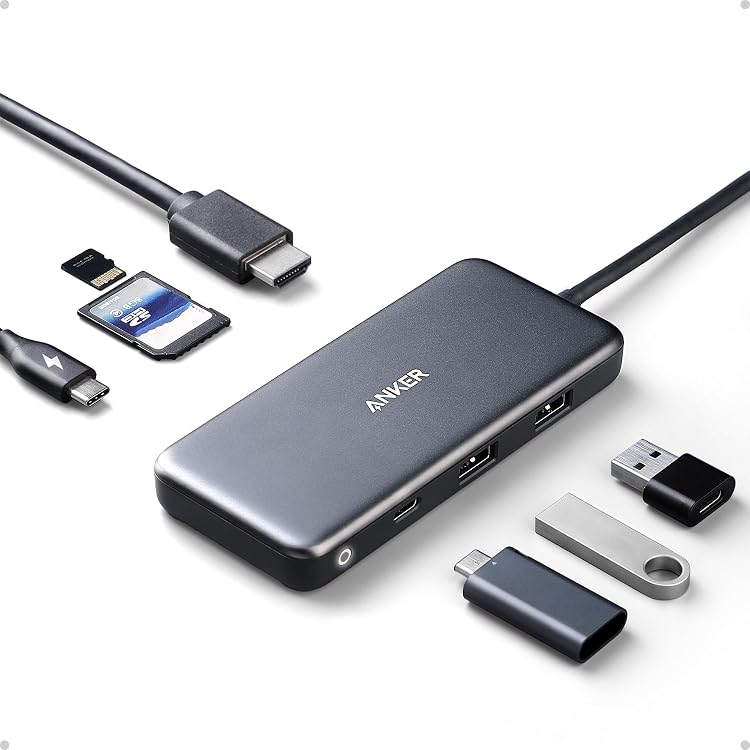
Anker 341 USB-C Hub A8346, 7-in-1 with 4K HDMI
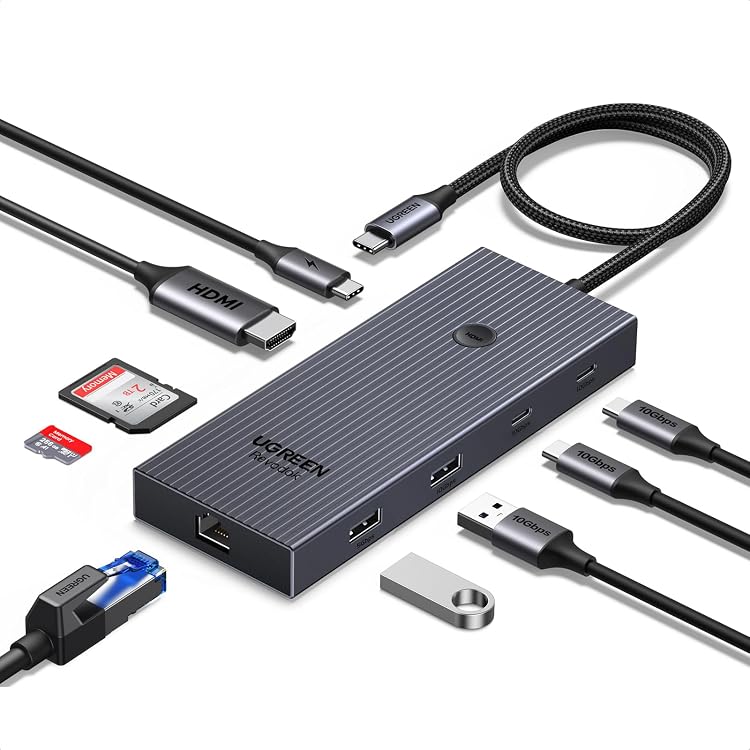
UGREEN Revodok Pro 75028 9-in-1 USB-C Hub
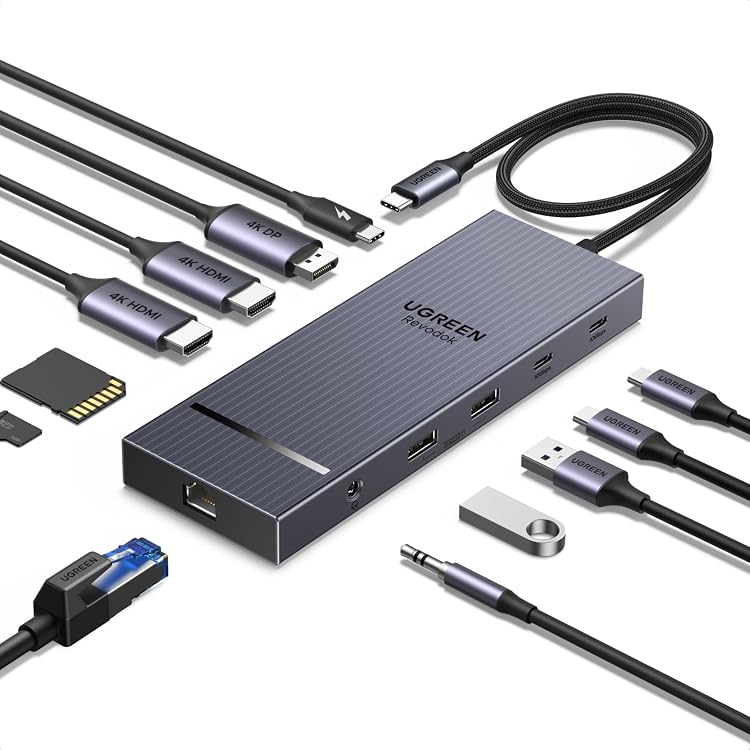
UGREEN 55767 12-in-1 USB-C Docking Station
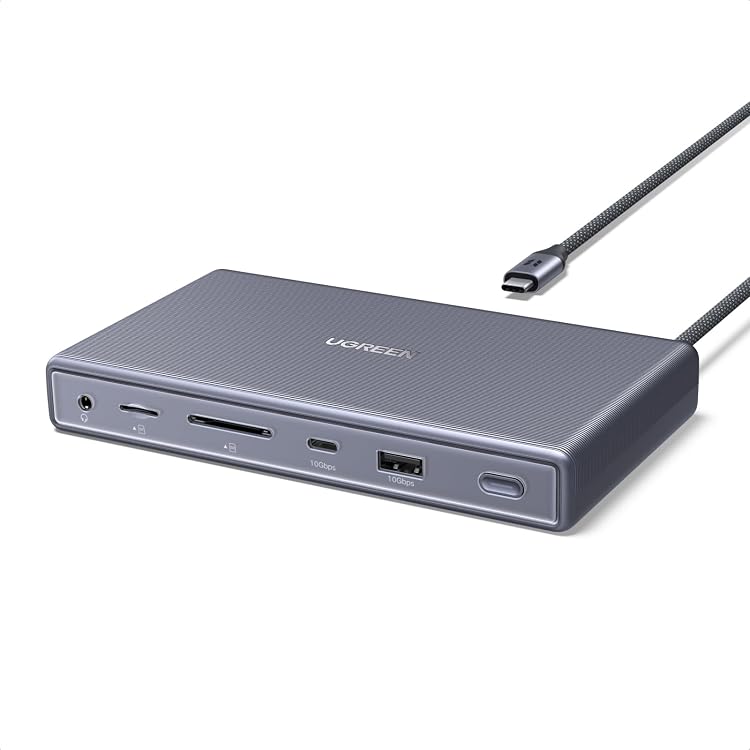
UGREEN 95039 11-in-1 USB4 Docking Station
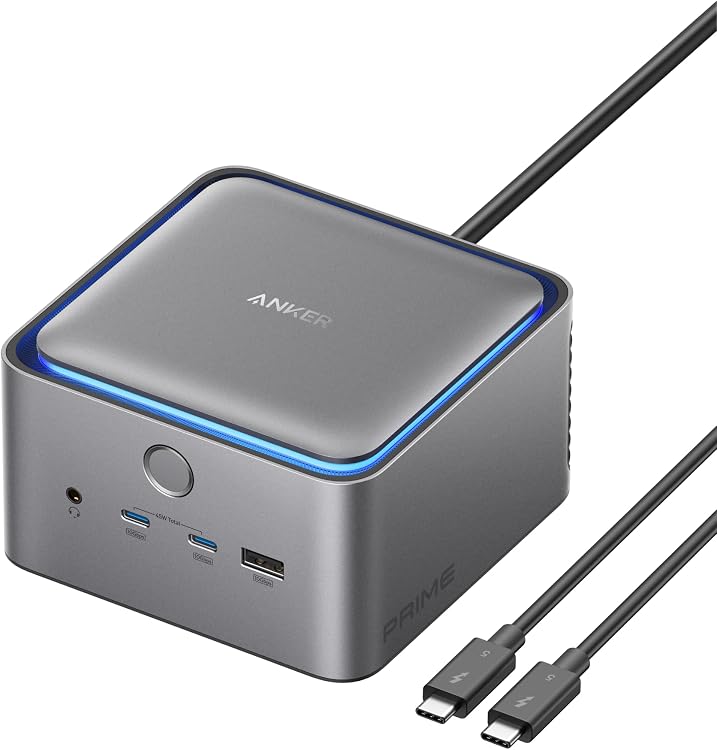
Anker Prime TB5 Docking Station A83B5, 14-Port Thunderbolt 5
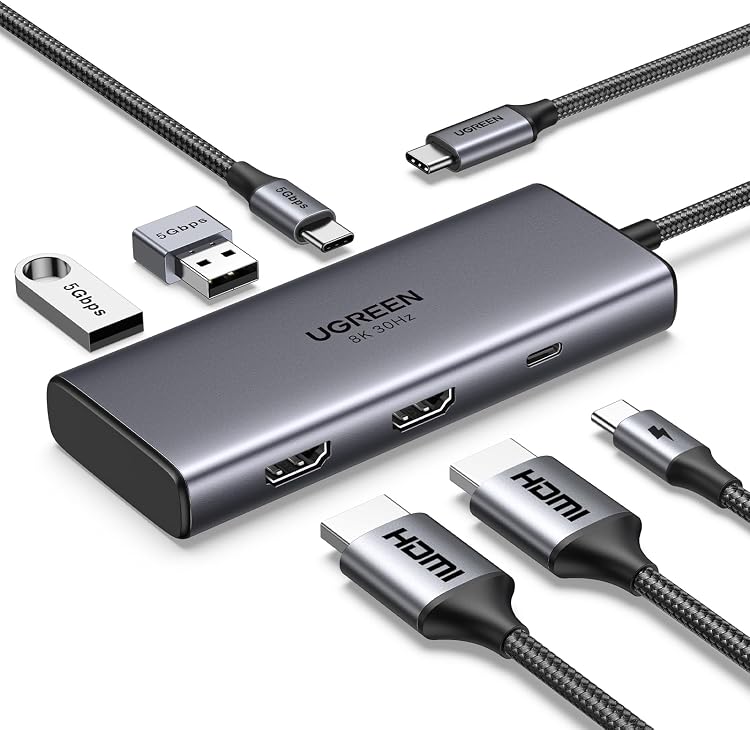
UGREEN 15852 6-in-1 USB-C Docking Station
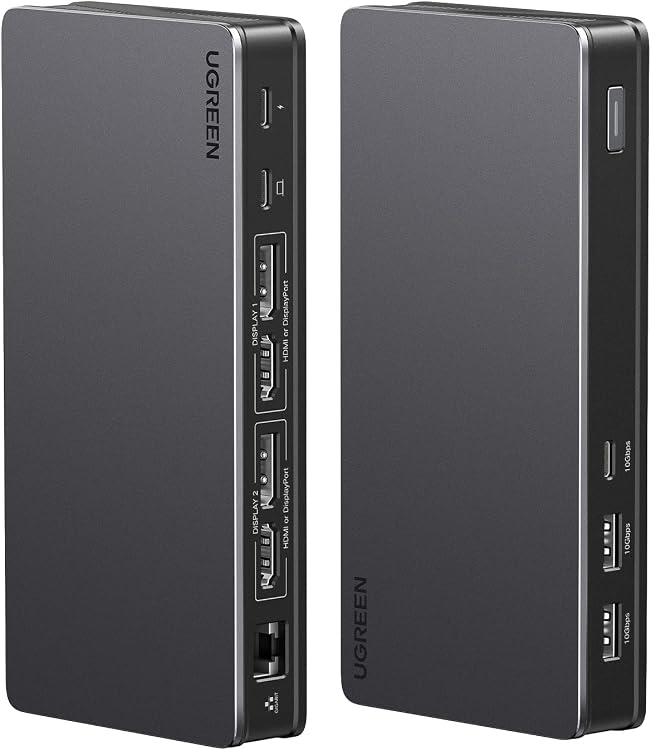
UGREEN 90912 9-in-1 DisplayLink Docking Station
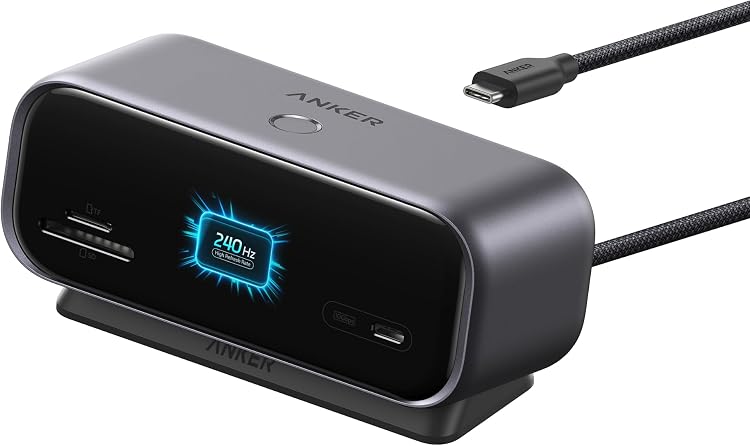
Anker Nano A210C 10-in-1 USB-C Hub
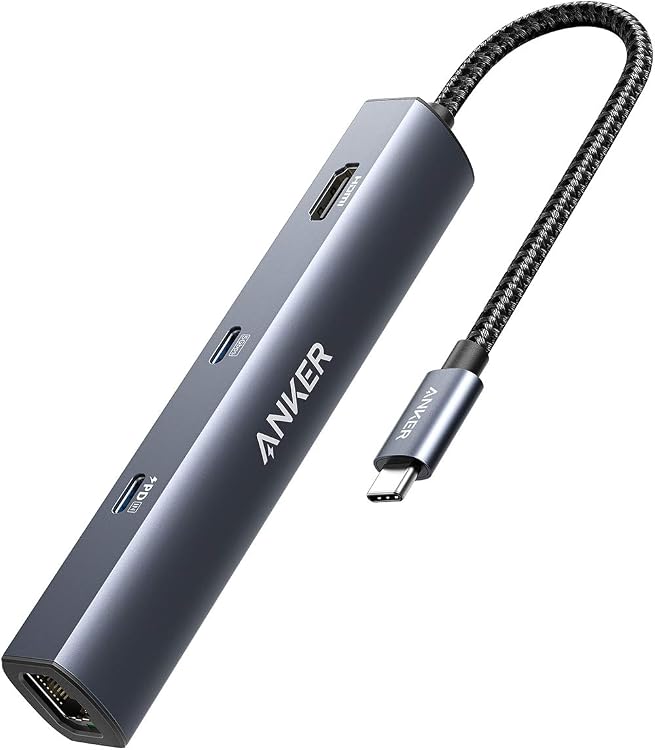
Anker PowerExpand 6-in-1 USB-C Hub, 4K HDMI, Ethernet, 65W PD
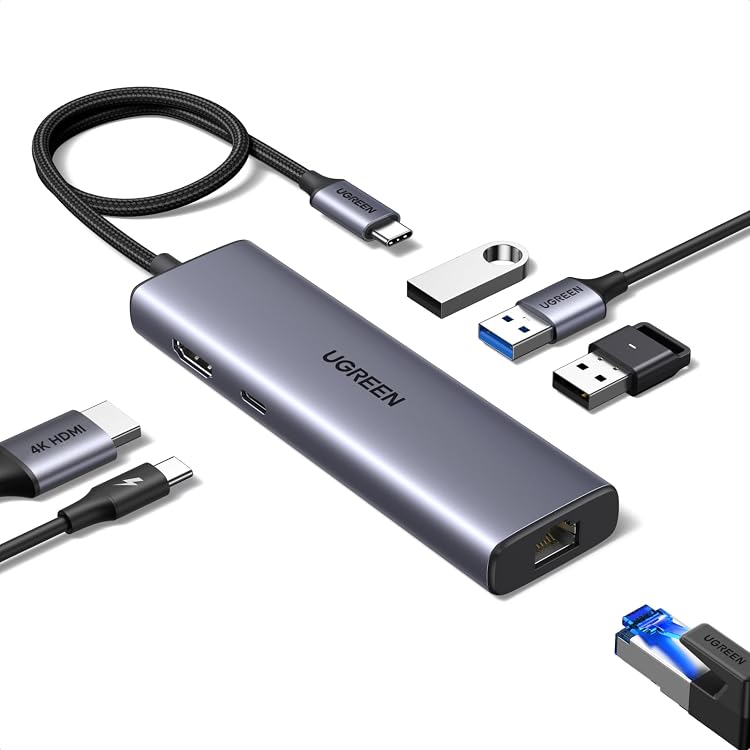
UGREEN 15598 6-in-1 USB-C Hub with 1Gbps Ethernet
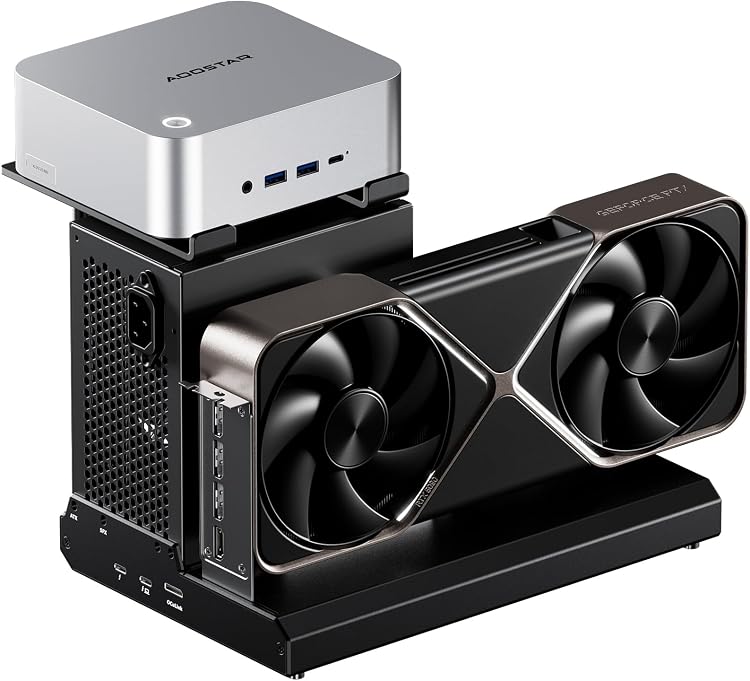
AOOSTAR EG02 eGPU Docking Station with OCuLink and Thunderbolt 5
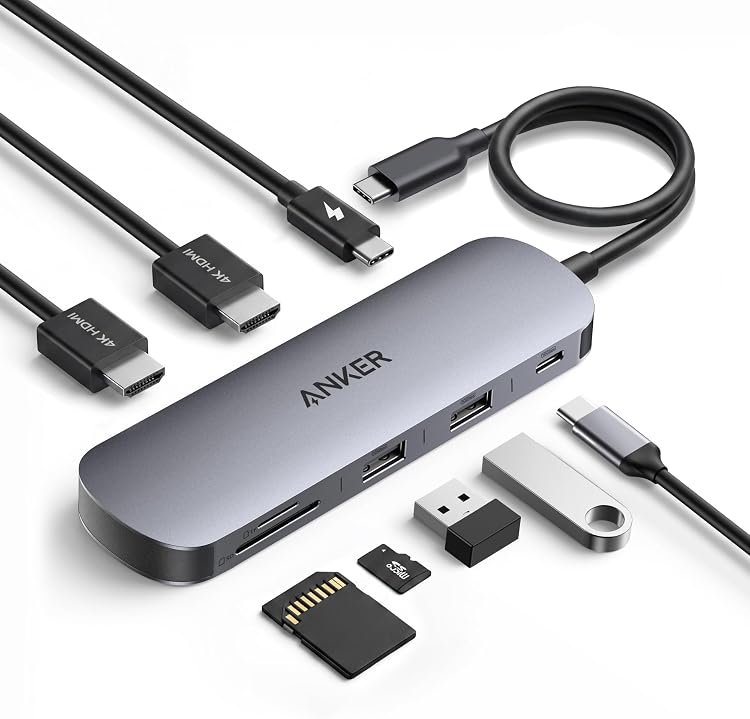
Anker Nano A210B 8-in-1 USB-C Docking Station
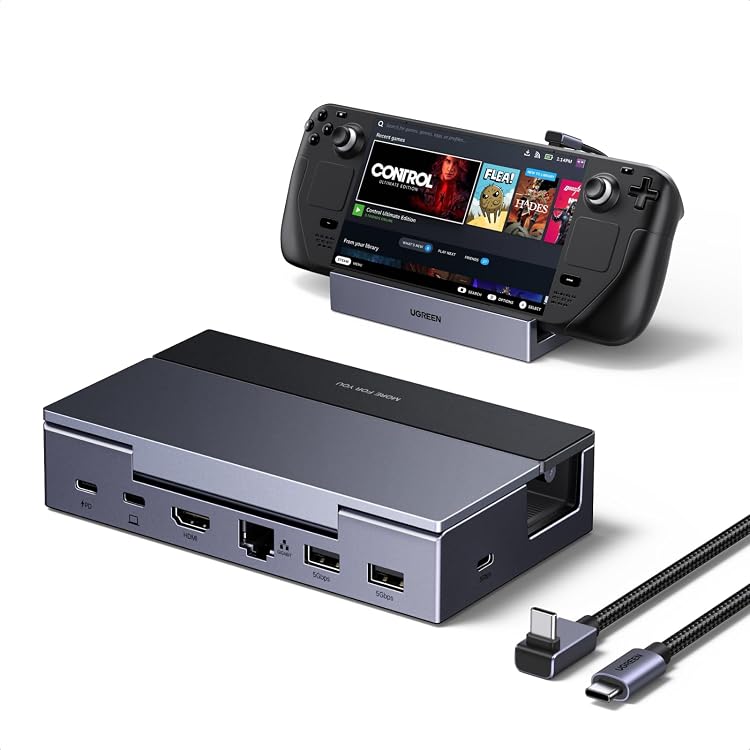
UGREEN 75126 Steam Deck Dock, 6-in-1 USB-C
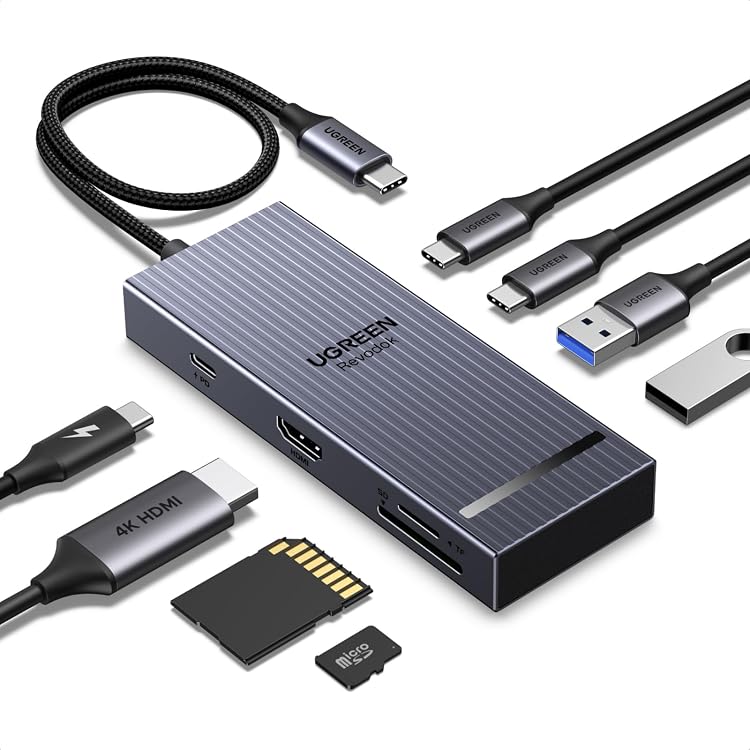
UGREEN Revodok Pro 108 USB-C Hub, 8-in-1 with 4K 60Hz HDMI
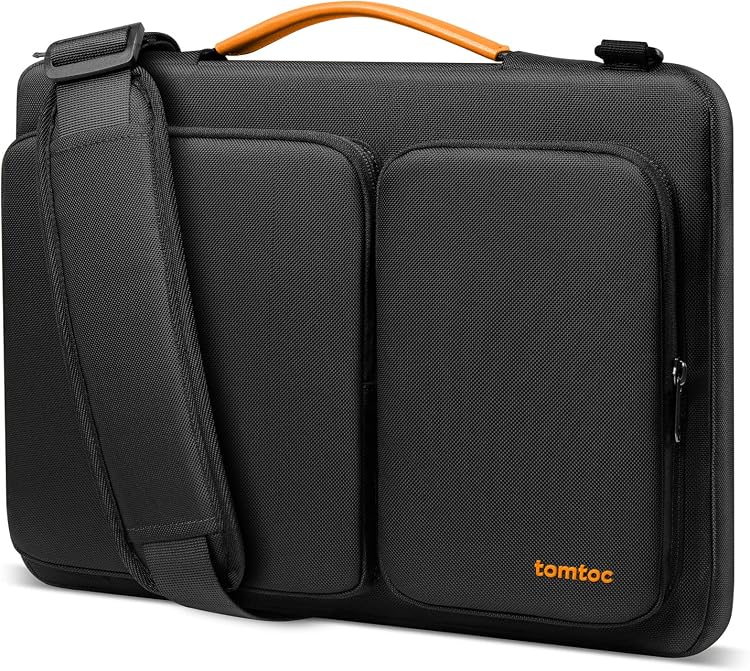
tomtoc A42E1D1 360 Protective Laptop Shoulder Bag
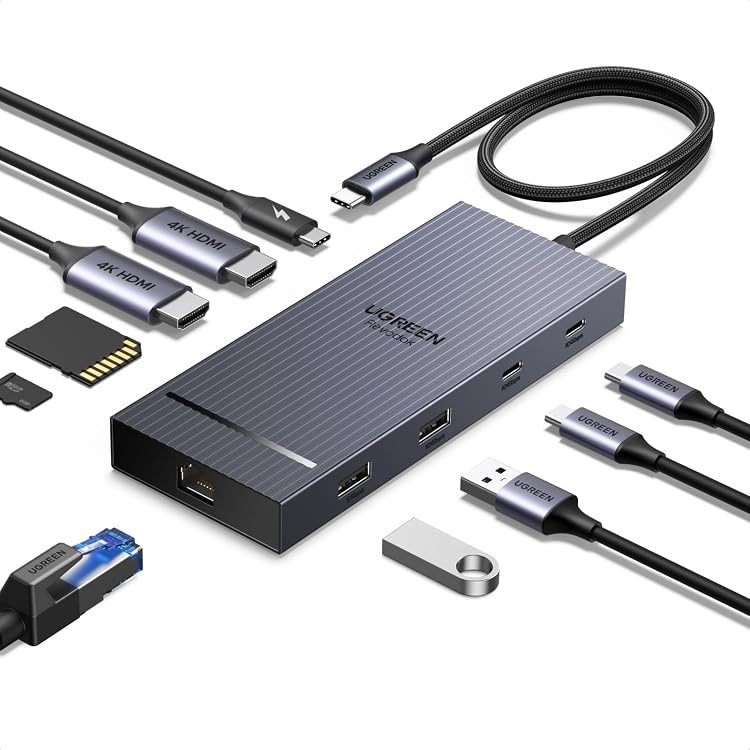
UGREEN 45366 10-in-1 USB-C Docking Station, Dual 4K@60Hz HDMI
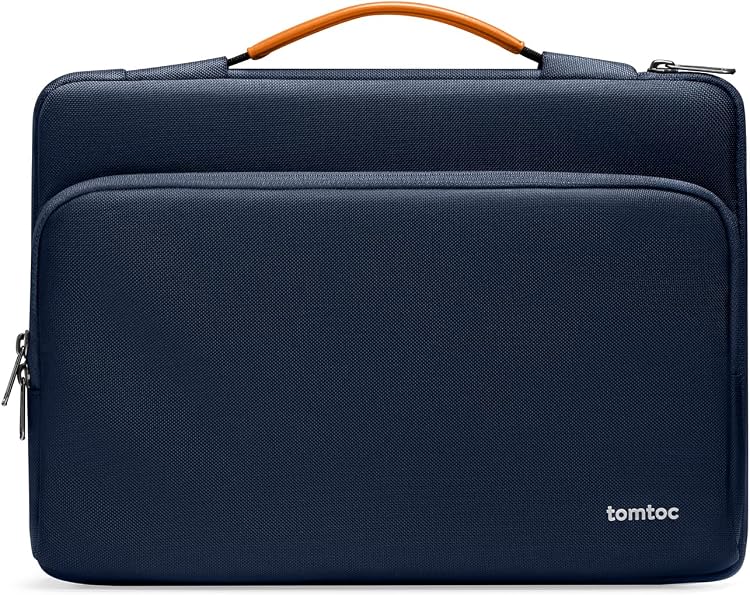
tomtoc A14-C02B01 360° Laptop Sleeve
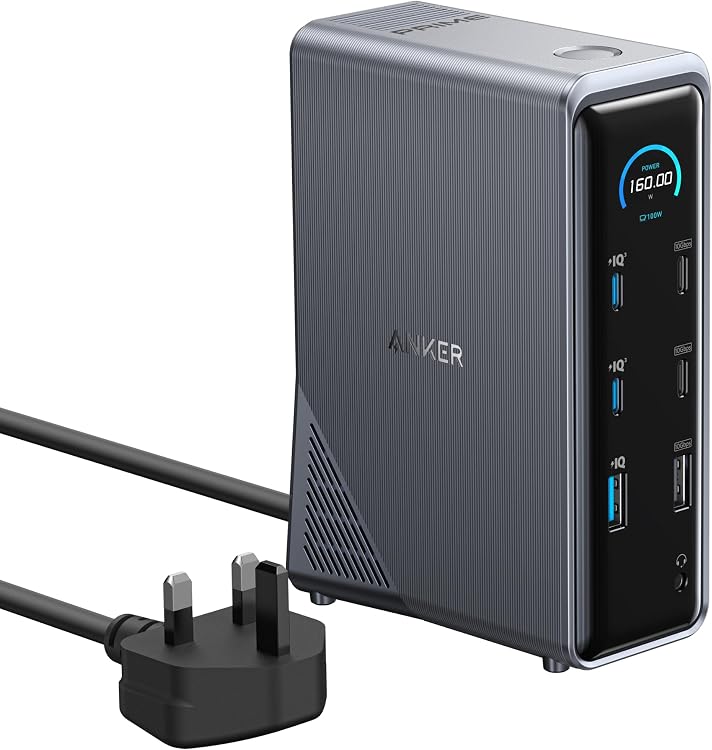
Anker Prime A83B6 14-in-1 Dual-Display Docking Station
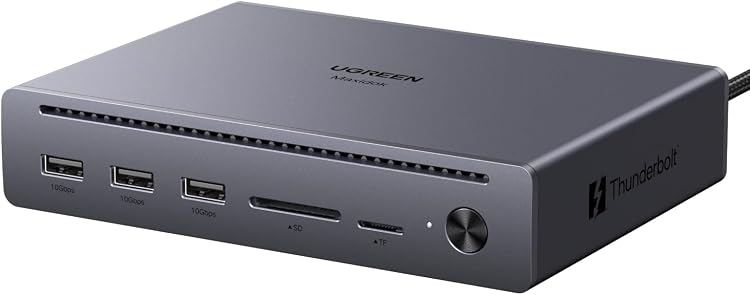
UGREEN Maxidok U712 10-in-1 Thunderbolt 5 Dock
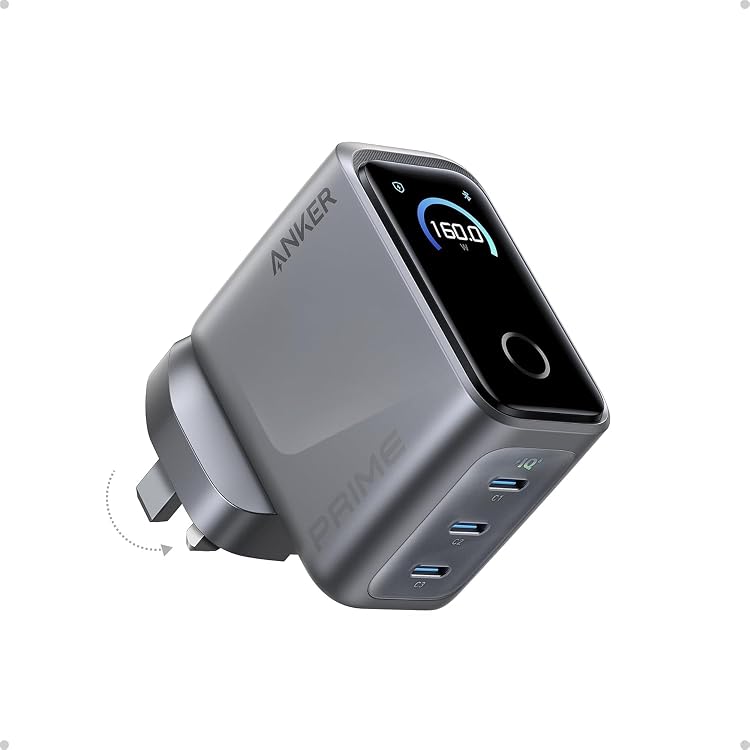
Anker Prime A2687 160W 3-Port USB-C Charger
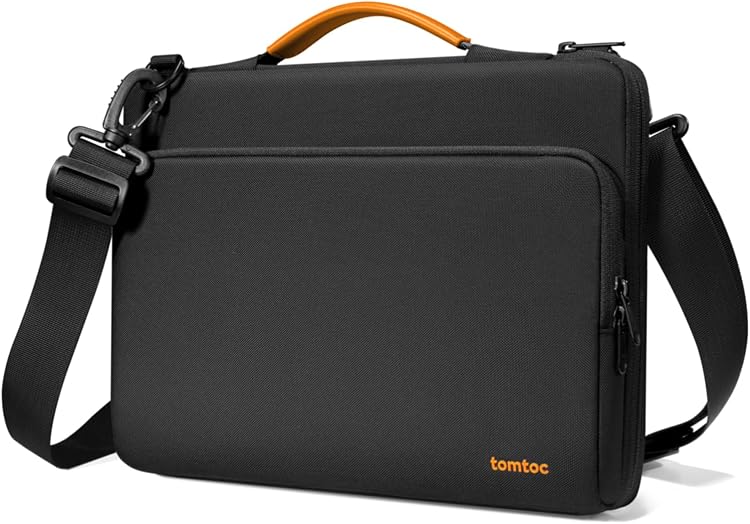
tomtoc A40 360 Protective Laptop Shoulder Bag A40D3D1
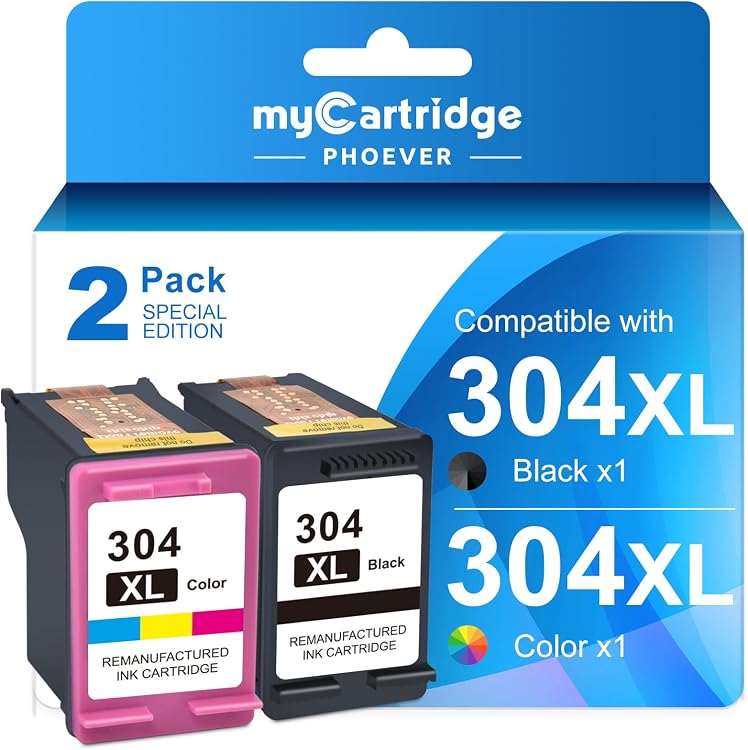
MYCARTRIDGE PHOEVER 304XL Ink Cartridge Multipack
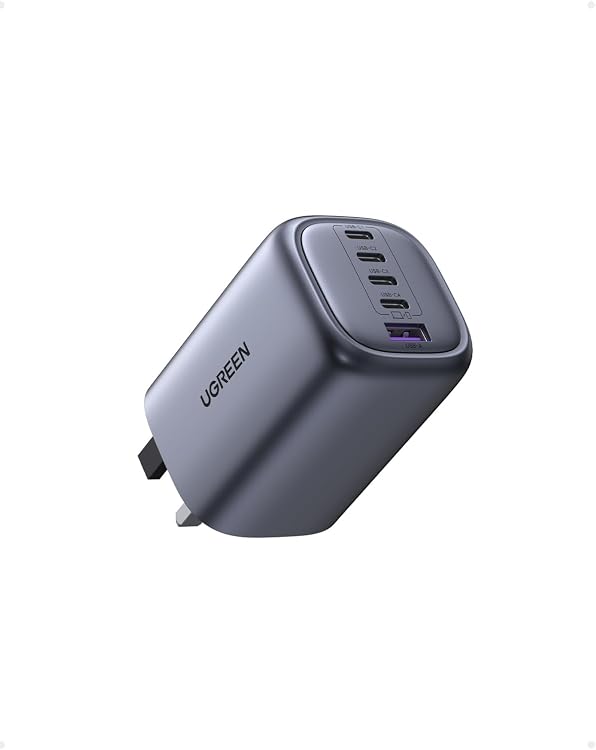
UGREEN Nexode X563 100W 5-Port GaN USB Charger
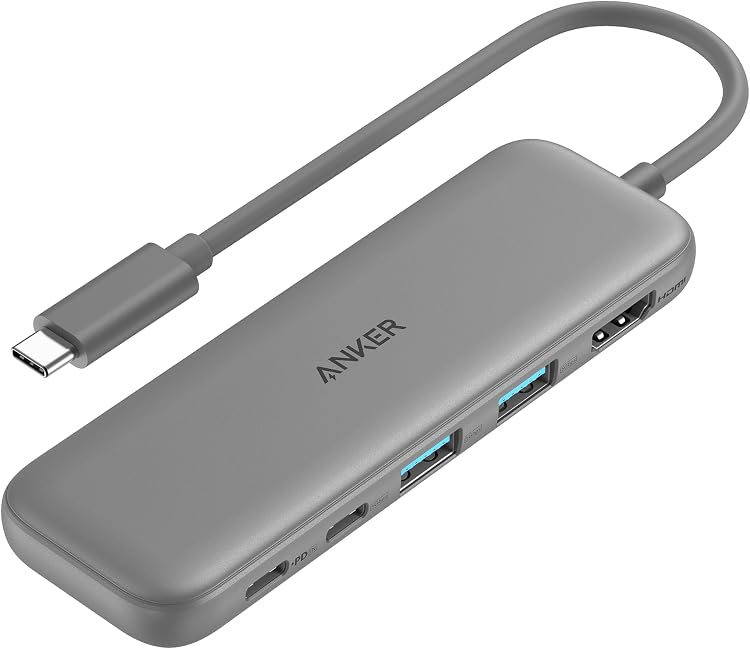
Anker A8355 5-in-1 USB-C Hub with 4K HDMI
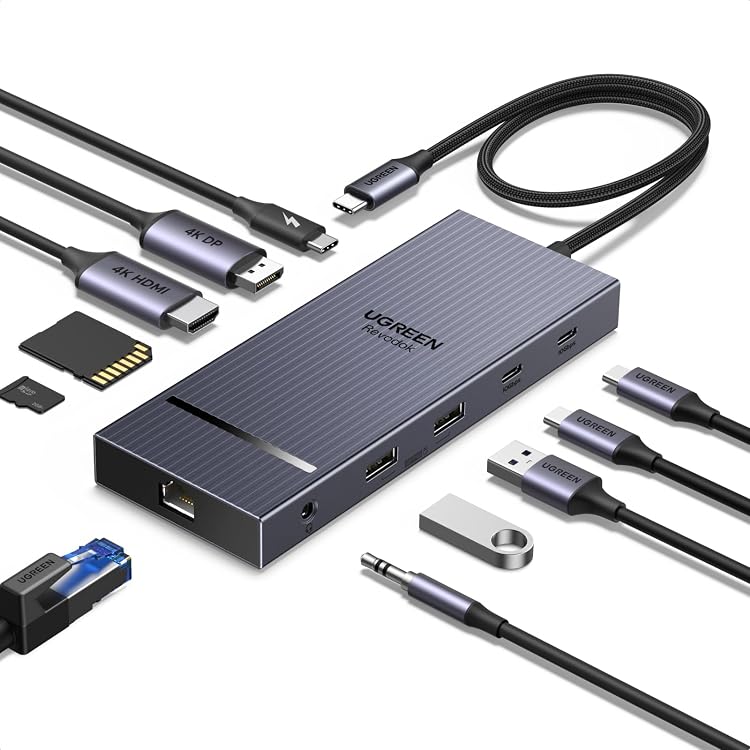
UGREEN CM886 11-in-1 USB-C Docking Station
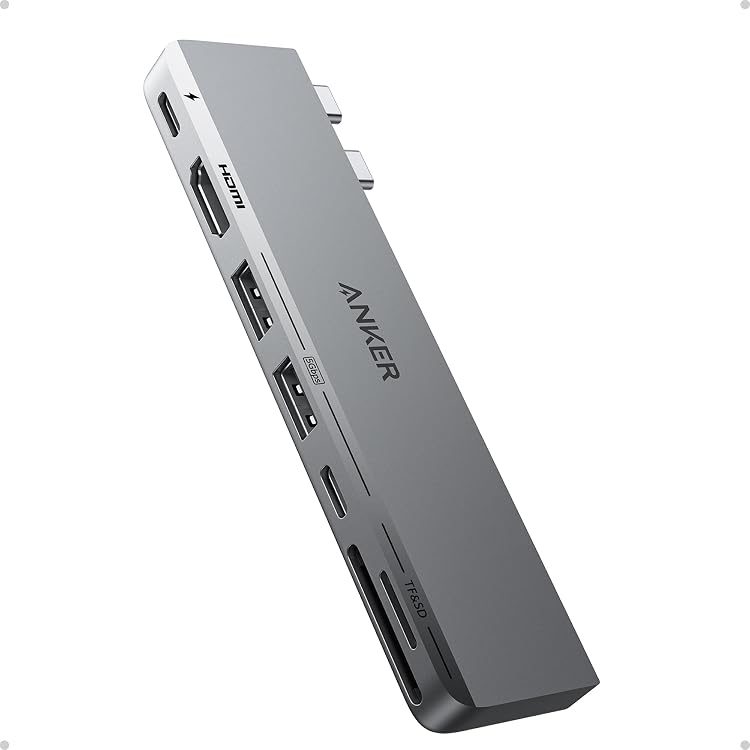
Anker A8354 7-in-2 USB-C Hub for MacBook
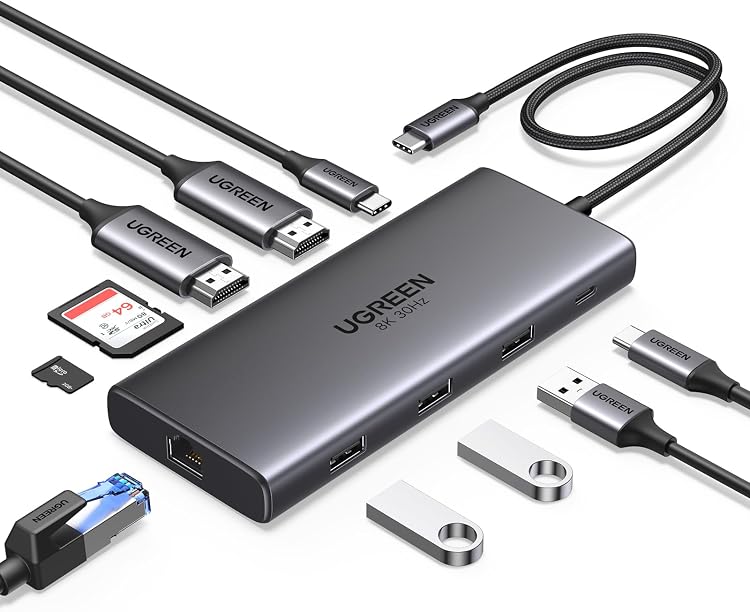
UGREEN 15534 10-in-1 USB-C Docking Station
Top deals in Computer Accessories
Big discounts across a variety of models and stores.
Anker Prime A83B6 14-in-1 Dual-Display Docking Station
Anker Prime A2687 160W 3-Port USB-C Charger
Anker A8354 7-in-2 USB-C Hub for MacBook
Anker A8355 5-in-1 USB-C Hub with 4K HDMI
UGREEN Maxidok U712 10-in-1 Thunderbolt 5 Dock
Anker Nano A210B 8-in-1 USB-C Docking Station
UGREEN CM886 11-in-1 USB-C Docking Station
tomtoc A14-C02B01 360° Laptop Sleeve
tomtoc A40 360 Protective Laptop Shoulder Bag A40D3D1
tomtoc A42E1D1 360 Protective Laptop Shoulder Bag
AOOSTAR EG02 eGPU Docking Station with OCuLink and Thunderbolt 5
New in Computer Accessories
Recently added or updated deals.
Anker Nano A83C3 13-in-1 Laptop Docking Station
Anker 341 USB-C Hub A8346, 7-in-1 with 4K HDMI
UGREEN Revodok Pro 75028 9-in-1 USB-C Hub
Anker Prime TB5 Docking Station A83B5, 14-Port Thunderbolt 5
Anker Nano A210C 10-in-1 USB-C Hub
Anker PowerExpand 6-in-1 USB-C Hub, 4K HDMI, Ethernet, 65W PD
MYCARTRIDGE PHOEVER 304XL Ink Cartridge Multipack
UGREEN Nexode X563 100W 5-Port GaN USB Charger
Computer accessories: choose the item that solves your actual problem
Start an accessory purchase with a specific inconvenience: missing ports, a second charger, laptop transport or maintaining your workspace. These products are not all universal. Write down your exact computer model and what you already own. That helps avoid duplicated functions and directs you towards the right kind of accessory rather than an attractive bundle.
Extra ports or a permanent desk connection
A hub adds ports for occasional use; a dock can bring displays, networking and power together at a desk. First check what your computer's port supports. A USB-C shape does not guarantee video output or charging. List devices used simultaneously: several sockets may share bandwidth, and power delivered to the laptop can be lower than power supplied to the accessory.
A charger for that particular laptop
For a replacement power supply, check the electrical requirements and connector specified for the model. With USB-C, supported power profiles and the cable matter, not only total wattage. A multiport charger can redistribute power when another device is connected. Products sold as laptop chargers need this model-specific check; a general USB charger is not a suitable substitute simply because its plug fits.
Transport, working height and mouse space
Compare sleeves by internal dimensions, thickness and closure rather than screen diagonal alone. Stands should leave air intakes clear and support the intended load without slipping. A mouse pad addresses another need: movement space, friction and cleaning. Measure the desk before choosing a large mat, allowing for the keyboard, cables and the edge where your arm will rest.
Supplies the printer will recognise
For printing supplies, identify the cartridge or consumable reference compatible with the exact printer. Similar model names do not establish recognition. Compare stated yields under equivalent conditions and check storage after opening. A low package price tells you little if you print so infrequently that some ink is lost between sessions rather than used on pages.
Cleaning products for the right surface
Screens, keyboards and casings can require different cleaning methods. Follow the device maker's guidance; a liquid suitable for glass is not necessarily suitable for a screen coating. Check the cleaning product's ingredients, application and storage instructions. Choose tools that reach the area needing attention, without expecting cleaning supplies to repair hardware or replace technical servicing.